Downloads
Install the app, sign in, and create your first private vault in minutes.
Windows, macOS and Linux are available now.
Your files are encrypted before upload
Debian / Ubuntu user? Prefer the
.deb package
(install with sudo apt install ./Vault.Manager_1.0.5_amd64.deb).
Get Started
Get Necron Vault Manager for your operating system.
Sign up for free or log in to your existing account.
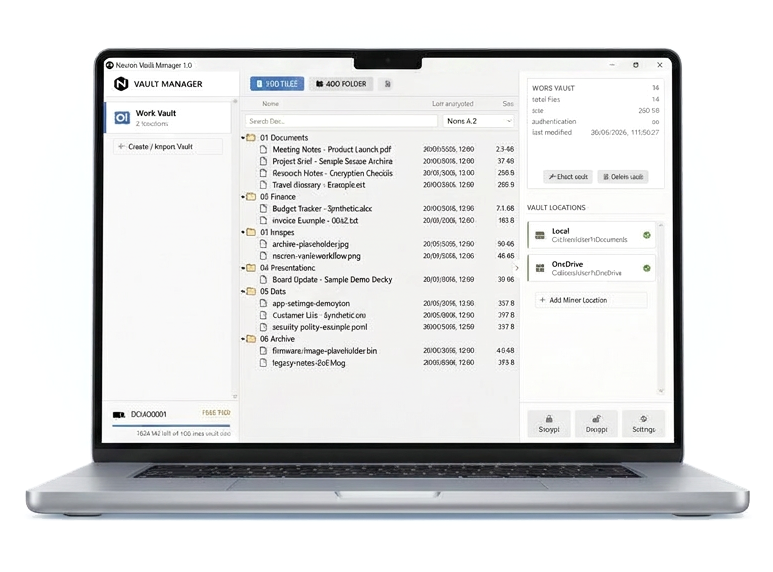
Choose a name and location for your private vault.
Your files are encrypted before leaving your device.
Before you install
Windows 10/11 (64-bit), macOS 11+ (64-bit), or modern Linux.
Required
Minimum 4 GB of system memory.
Required
Minimum free space for installation.
Required
Required for account sync and updates.
Required
For Pro users
USB 2.0 port or higher required on your device.
Required
4 GB or larger recommended for secure key storage.
Recommended
Keep a second USB drive as a recovery backup.
Recommended