
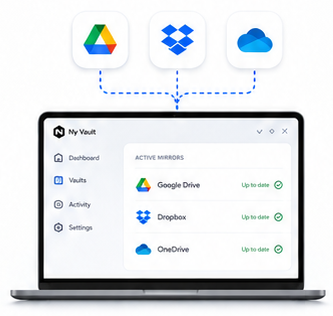
Multi-location mirroring
Keep one vault mirrored across multiple storage providers at once. Necron stores and syncs encrypted vault data only — the app presents a usable “view” when you access your files.
Features & How It Works
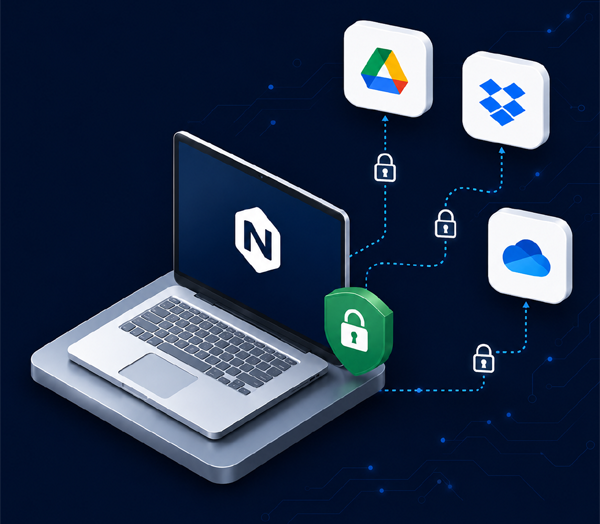
Necron encrypts files locally, stores only encrypted vault data in your chosen locations, and keeps your encryption key separate from your cloud provider.
The Core Concept
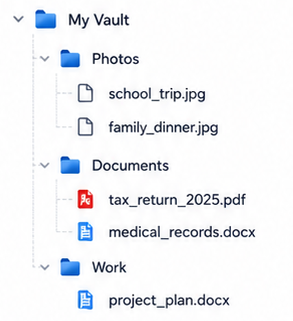
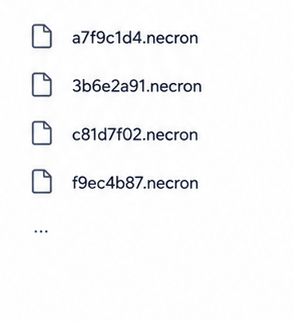
A vault is a private file library inside Necron. You see normal folders and filenames. Your storage locations only receive encrypted vault data.
The Data Flow

Select files or folders from your computer.

Files are encrypted on your computer before being written to cloud or local storage.

Storage providers see encrypted vault data, not your real file names or folder layout.

You can store vault data locally, on an external drive, or in synced cloud folders.

When you need a file, Necron uses your key to decrypt it on your computer.
All Features
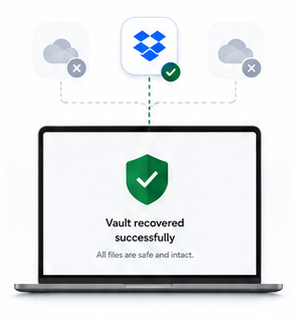
Keep one vault mirrored across multiple storage providers at once. Necron stores and syncs encrypted vault data only — the app presents a usable “view” when you access your files.

If a location goes missing or gets damaged, the vault can reconcile and restore from healthy encrypted mirrors. Redundancy isn’t just backup — it’s built into the system’s normal operation.

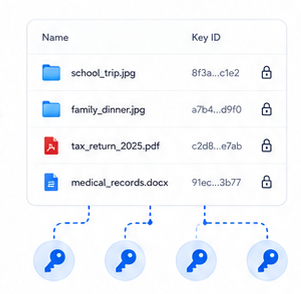
Every file gets its own unique 256-bit encryption key derived from your key drive material. Like choosing a different long password for every single file. Compromise of one file’s key doesn’t cascade to other files.

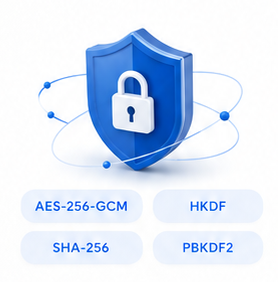
Built on widely vetted cryptography: XChaCha20-Poly1305 for authenticated encryption, HMAC-SHA-256 for integrity checks, and HKDF for key derivation. 256-bit symmetric cryptography is widely considered quantum-resilient for practical threat models.

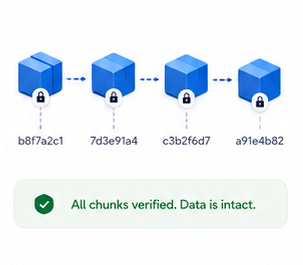
Encrypted data is chunked and hashed, making tampering detectable and reducing useful patterns for an attacker. It’s not just encryption — it’s structured to be hard to analyze and hard to alter silently.

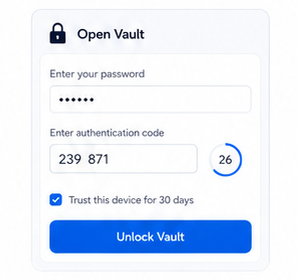
Add a vault-level second factor so access requires something you have (USB key drive) plus a second verification step (PIN + TOTP). This reduces risk from stolen drives or unattended machines.
How We Compare
Compare key privacy and storage capabilities at a glance. Necron is built to keep your files private before upload and give you stronger control over your keys.
| Feature |
 Cryptomator
|
 pCloud
|
Recommended
 Necron Free
|
Maximum security
 Necron Pro
|
|---|---|---|---|---|
 Bring your own cloud storage
|
pCloud only | |||
 Local / client-side encryption
|
||||
 Key storage
|
Password-derived | Password-derived | Software key on PC | Dedicated USB drive |
 USB key-drive support
|
— | — | — | incl. backup key |
 Mirror across multiple locations
|
— | — | ||
 Auto-recovery from healthy mirrors
|
— | — | ||
 Vault limit
|
Unlimited | 1 Crypto folder | 1 vault | Unlimited |
 Storage cap
|
None BYOS | Paid plans from $199 | 1 GB | No cap |
 Price
Price
|
Free desktop | $150 lifetime + storage | $0 forever | $39.90/yr |
Create a free account, install Necron, and create your first private vault in minutes.
No credit card required. Upgrade to Pro when you want USB key-drive security.
Go Deeper
Full technical analysis of the encryption model, architectural details, and threat model.
Read PDFStep-by-step guides for installation, vault management, encryption, and account setup.
View DocsTechnical articles on encryption, air-gapped security, post-quantum design, and more.
Visit Blog